

7 Tips for Choosing the Right Dashboard Instrument
A Dashboard Instrument is more than a dial, screen, or warning light. It is the driver’s quick source of information, often viewed while the road is busy and visibility is changing. The right choice should make essential readings clear without adding distraction. Small details matter: glare on a display, cramped lettering, or a warning light hidden beside the steering wheel can change how easily a driver reads the panel. Still, appearance alone can be tempting. It is not enough.
Human-centered design expert Donald Norman offers a useful principle: “A brilliant solution to the wrong problem can be worse than no solution at all.” His work is not specific to instrument panels, but the idea applies directly when comparing dashboard options. Start with the vehicle, its operating conditions, and the people who will use it. Then consider readability, accuracy, durability, compatibility, installation, and support. For example, a compact digital unit may look modern, yet prove difficult to read in direct afternoon sunlight. A traditional gauge may be clearer, but offer fewer useful alerts. Trade-offs are real.
This guide presents seven practical tips for choosing the right Dashboard Instrument. It focuses on fit, display quality, essential functions, materials, and dependable performance. Check specifications against the actual vehicle, and verify important claims with the manufacturer or a qualified installer. Some choices will remain imperfect; the best decision is the one that makes critical information easy to read and trust.
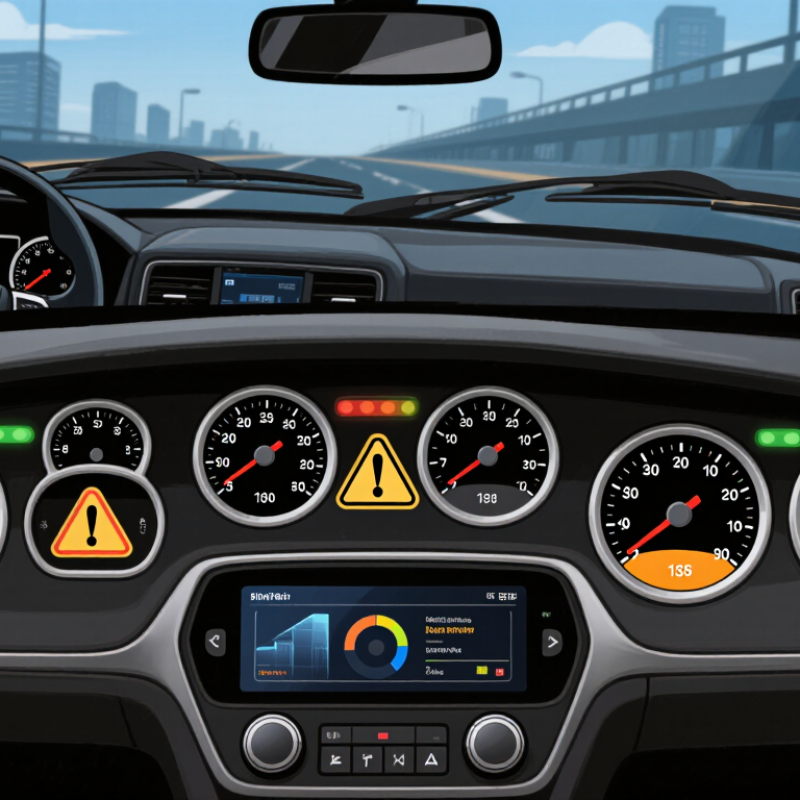
Define the Vehicle’s Display Needs Under FMVSS No. 101
Choosing a dashboard instrument starts with the vehicle’s required display functions, not screen size. FMVSS No. 101 addresses the location, identification, and illumination of specified controls, telltales, and indicators. Check which requirements apply to the vehicle category and each display item before comparing instrument layouts. The current regulation and applicable interpretations should guide that review.
Make a simple inventory: speedometer, warning telltales, lighting controls, and any other required information. Then check whether drivers can identify and read each item in daylight and at night. A symbol partly hidden by a steering wheel, or a warning that disappears against bright sunlight, is a practical problem—not just a styling issue. Keep labels and symbols clear, and confirm illumination behavior against the relevant requirements. Small details matter.
A neat screen mockup is not enough. Review a physical or representative display from the driver’s normal seating position, including with gloves or common eyewear if relevant. Record what was tested and what still needs checking. There may be edge cases; don’t assume one layout works for every trim or configuration. FMVSS No. 101 is only one part of vehicle compliance, so involve qualified compliance professionals when assessing the complete design.
| Tip | What to Define | FMVSS No. 101 Connection | Practical Selection Check |
|---|---|---|---|
| 1. List the displays the vehicle needs | Identify each planned display and control, such as the speedometer, warning indicators, and related operating controls. | The standard sets requirements for specified controls and displays; it does not prescribe one universal dashboard layout. | Create an itemized list and check each item against the current standard and the vehicle’s configuration. |
| 2. Confirm vehicle category and applicability | Document the vehicle type and relevant design details before selecting an instrument or display module. | Applicability and particular requirements can depend on the vehicle and the specific control or display. | Review 49 CFR § 571.101 and other applicable federal requirements for the vehicle being designed. |
| 3. Check required displays and telltales | Determine which indicators and telltales apply to the vehicle’s systems and equipment. | FMVSS No. 101 includes requirements for specified displays and their identification, location, or illumination, as applicable. | Map each applicable indicator to its function and verify the relevant requirement rather than relying on a generic instrument list. |
| 4. Verify identification and symbols | Choose legends, symbols, units, and labels that clearly identify each applicable control or display. | The standard specifies identification requirements for certain controls and displays, including prescribed symbols or wording where applicable. | Compare the proposed artwork and labeling with the applicable tables and provisions in the current regulation. |
| 5. Assess driver visibility and legibility | Consider viewing angle, steering-wheel obstruction, character size, contrast, and the intended driver eye position. | The standard contains visibility-related requirements for specified controls and displays; details depend on the item and applicable provision. | Evaluate the installed instrument in the vehicle, not only as a standalone component or screen mock-up. |
| 6. Define illumination and dimming behavior | Specify how the display is illuminated and how brightness responds to the vehicle’s lighting controls and operating conditions. | FMVSS No. 101 includes illumination requirements for specified controls and displays. | Test the selected instrument with the intended lighting-control system and confirm the applicable regulatory behavior. |
| 7. Validate the complete installed system | Review the instrument, software, labels, surrounding controls, and installation together before final selection. | Compliance depends on the applicable vehicle-level requirements and final implementation, not simply on a component’s feature list. | Keep a requirements checklist and test records; confirm the current regulatory text and obtain qualified compliance review where needed. |
Reference: U.S. Federal Motor Vehicle Safety Standard No. 101, 49 CFR § 571.101. Check the current regulation for requirements applicable to the specific vehicle and display.